






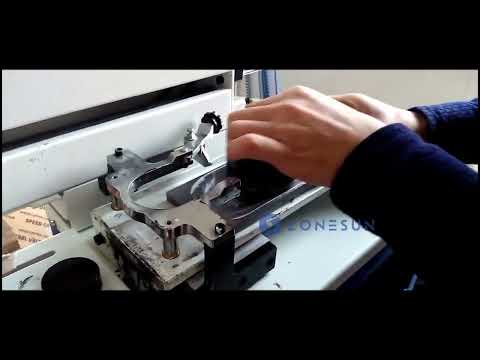
Flat Components and Panels
For logos, symbols and markings on suitable flat workpieces, compare the required print dimensions with the machine's effective printing area and fixture arrangement.

From concept to completion, ZONESUN's Turnkey Solutions provide everything you need for...
PRECISION PRINTING EQUIPMENT
Compare machine configurations, printing areas and operating methods for your application.
APPLICATION MATCHING
Start with your workpiece shape, printable area and marking requirements before comparing machine configurations.
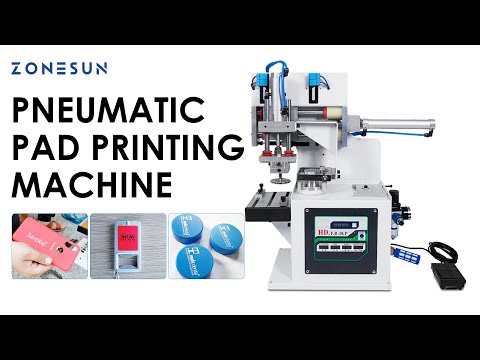
For logos, symbols and markings on suitable flat workpieces, compare the required print dimensions with the machine's effective printing area and fixture arrangement.
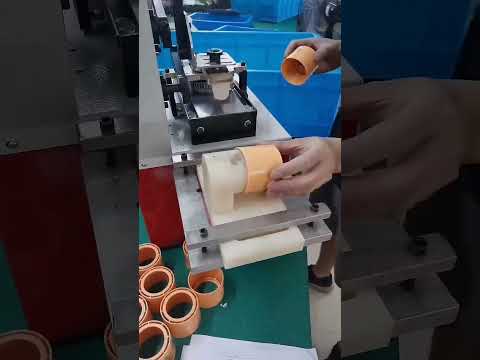
For selected caps, containers and shaped components, confirm the surface geometry, available access, pad shape and positioning accuracy before choosing a configuration.
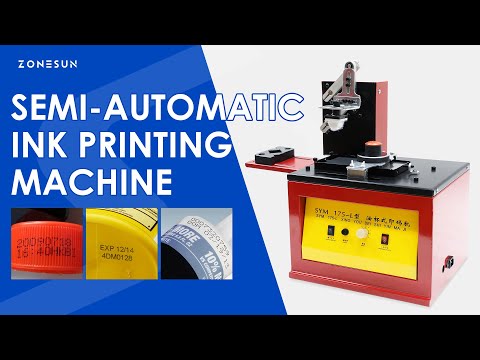
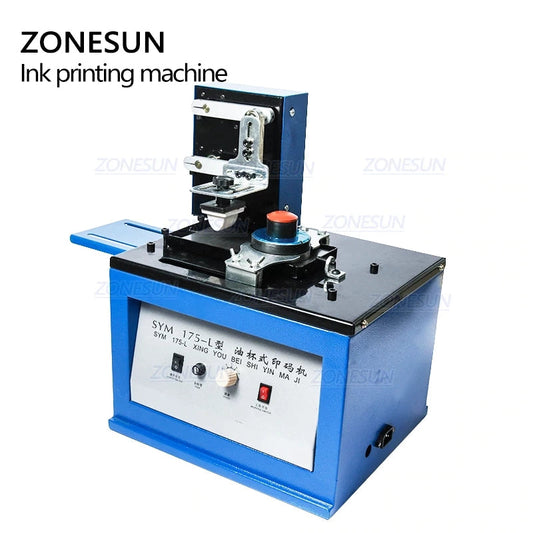
For batch codes, dates, logos and compact graphics, assess character size, artwork detail, ink compatibility and the repeatability needed for your production run.
SELECTION GUIDE
Check the technical details that influence print quality, operating efficiency and compatibility with your production setup.
Measure the actual artwork and the available flat or curved printing surface. Check the machine's maximum printing area, worktable travel, fixture clearance and positioning requirements.
Compare sealed ink-cup and open ink-tray configurations where available. Consider ink consumption, cleanup, artwork detail, substrate compatibility and the curing process required for the selected ink.
Choose manual, electric or pneumatic operation based on workflow, operator involvement and required repeatability. For pneumatic models, verify air supply and assess rated cycles separately from real production output.
Identify the workpiece material and surface finish. Printing results depend on the substrate, pretreatment where needed, ink formulation, pad hardness and drying or curing conditions.
Prepare the logo or code artwork and confirm plate dimensions, image orientation, pad shape and print position. Ask whether a standard plate or a custom plate is suitable for your design.
Before ordering, confirm voltage, workspace, required utilities and any fixture or automation needs. Sample testing with your actual workpiece and ink is the most reliable way to evaluate print quality.
HELPFUL ANSWERS
Review these points before selecting a pad printing machine.
Depending on the machine, pad, ink and fixture, pad printing may be suitable for selected plastic, metal, glass, ceramic and coated products. Confirm compatibility with the exact material, surface finish and artwork through sample testing.
Some configurations can transfer graphics to curved or irregular surfaces. Suitability depends on the geometry, printing area, pad design and workpiece positioning. Provide product photos and dimensions to check feasibility.
Measure the complete artwork and the usable surface on the product. Then compare both with the machine's stated maximum printing area and actual fixture clearance. The maximum plate size and printable image area are not necessarily the same.
Manual machines can suit simpler workflows and lower-volume operations. Electric and pneumatic models may better fit repeated production tasks, depending on their specifications. Compare operation, cycle rate, required utilities, operator handling and real output.
Custom plates may be available for selected models. Share the artwork, required image dimensions and target print position to confirm plate compatibility, engraving specifications and any additional cost.
Included accessories vary by model and package option. Check the product listing for the plate, ink cup or tray, pad and other components. Ink availability and shipping restrictions may also vary, so confirm the package contents before ordering.
MACHINE SELECTION SUPPORT
Share your product photos, material, artwork dimensions and expected output. Our team can help you review suitable machine options and customization requirements.
Discuss Your Application